Local SEO Guide: How to Get Your Business to the Top of Google Maps Boost your local business with this Local SEO Guide. Learn proven ways to rank higher on Google Maps, attract more local customers, and grow your business online. If you own a shop, salon, restaurant, or service business, getting local customers is the best way to grow.
When people search Google for services near them, they almost always pick one of the top 3 places on the map. If your business is not in those top 3 spots, you lose customers to your competitors every day.
This simple guide shows you how to bring your business to the top of Google search using Local SEO.
What Is Local SEO and Why Do You Need It?
Local SEO means making your business easy to find for people who live near you.
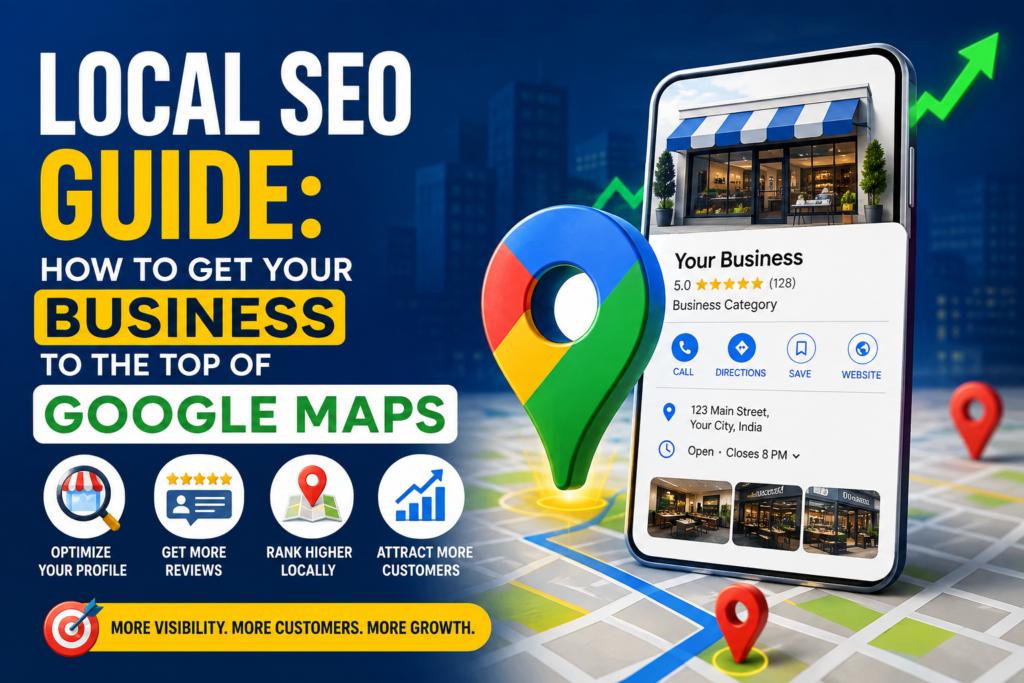
When people search for things like “digital marketing near me” or “plumber in Delhi,” Google shows them local businesses first. Local SEO Guide: How to Get Your Business to the Top of Google Maps
Here are 3 reasons why Local SEO is important: Local SEO
- Fast Sales: People searching for local services are usually ready to buy or call immediately.
- Free Traffic: Ranking high on Google Maps brings you daily customers without paying for ads.
- Builds Trust: Showing your address, photos, and star ratings makes customers trust you quickly.
4 Simple Steps to Rank Higher on Google Maps 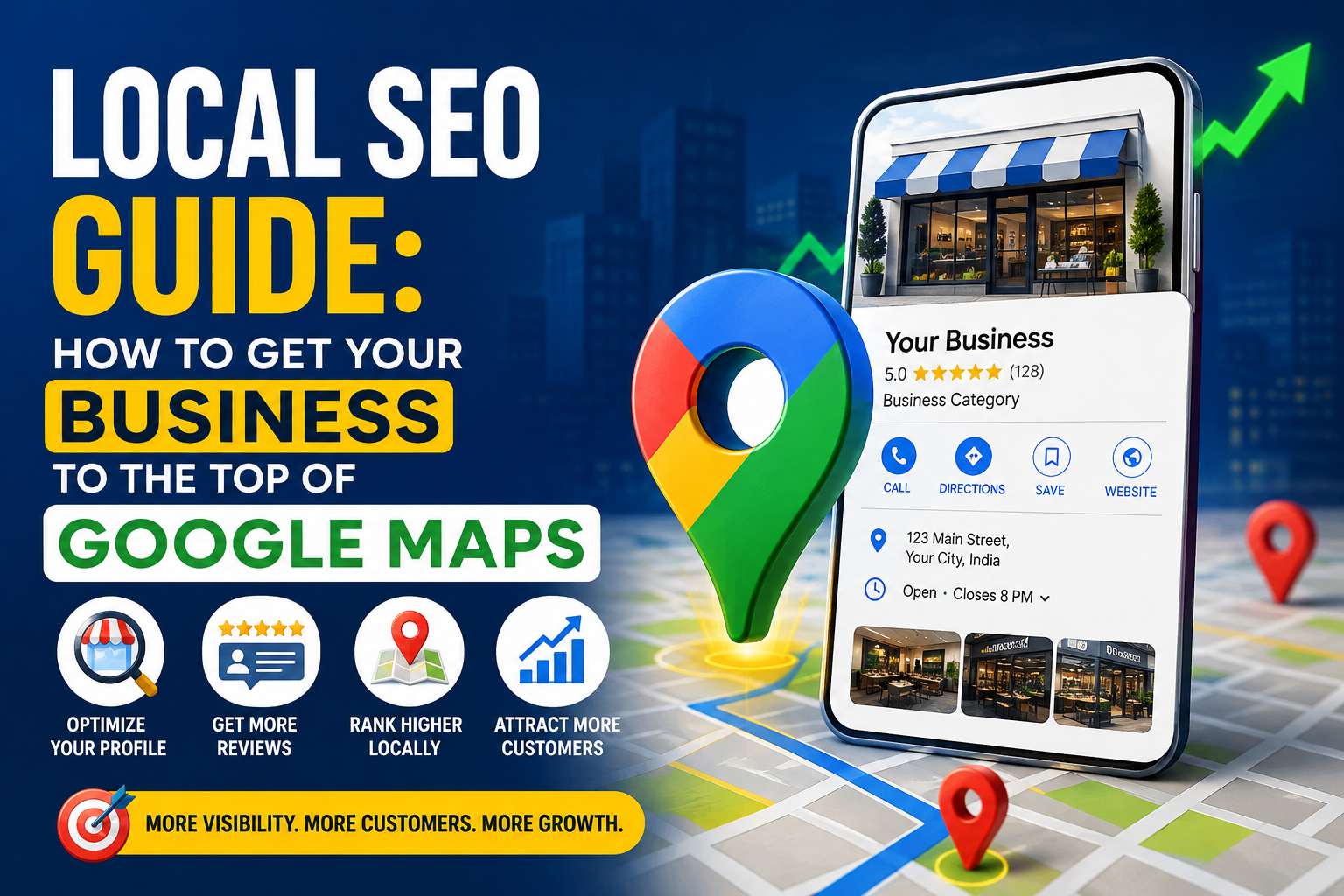 Local SEO
Follow these basic steps to get more local calls and walk-in visitors:
1. Set Up Your Google Business Profile meta ads
Your Google Business Profile is the most important part of local ranking. It creates the map box that shows up at the top of Google searches. https://commons.wikimedia.org/wiki/Main_Page
- Verify Your Listing: Complete the quick verification process using a phone call, video, or postcard.
- Keep Information Exact: Make sure your business name, address, and phone number are correct and match your real store sign.
- Pick the Right Category: Select a specific main category (for example, “Digital Marketing Agency” instead of just “Marketing”).
- Add Clear Photos: Upload photos of your shop front, team, reception area, and work samples.
2. Get Good Customer Reviews
Google loves businesses that have active, happy customers. Reviews play a massive role in map rankings.
- Ask every happy customer to leave a short review on your Google profile.
- Reply to all reviews quickly, saying thank you for good ones and politely helping with bad ones.
- Ask customers to mention the service they bought in their review text. Local SEO Guide: How to Get Your Business to the Top of Google Maps
3. Keep Your Details Same Everywhere
Google checks other websites to make sure your business information is real. If your phone number or street address looks different on different sites, Google gets confused. Local SEO Guide: How to Get Your Business to the Top of Google Maps
- List your business on trusted local directories like Justdial, Yelp, and Facebook.
- Use the exact same spelling, address format, and phone number on every website.
4. Add Local Words to Your Website Local SEO Guide: How to Get Your Business to the Top of Google Maps
Your website must clearly tell Google where you work and what you do.
- Put your city or area name in your website titles and main text.
- If you serve multiple cities, create a separate page for each city.
- Write short blog articles that solve common problems for local people.
Important Things to Track
| What to Track | Why It Matters | Where to See It |
| Profile Views | Shows how many people saw your business on Google Maps | Google Business Profile |
| Phone Calls | Tracks how many people clicked to call you directly | Google Business Profile |
| Driving Directions | Shows how many people asked Google Maps for route directions | Google Business Profile |
| Search Position | Shows where your website ranks for “near me” keywords | Google Search Console |
